monday.com AI Agents and Sidekick: What to Automate First (and What Not To)
monday Sidekick vs monday.com AI agents: what each does, how AI credits work, which use cases to pilot first, and where humans should stay in charge.
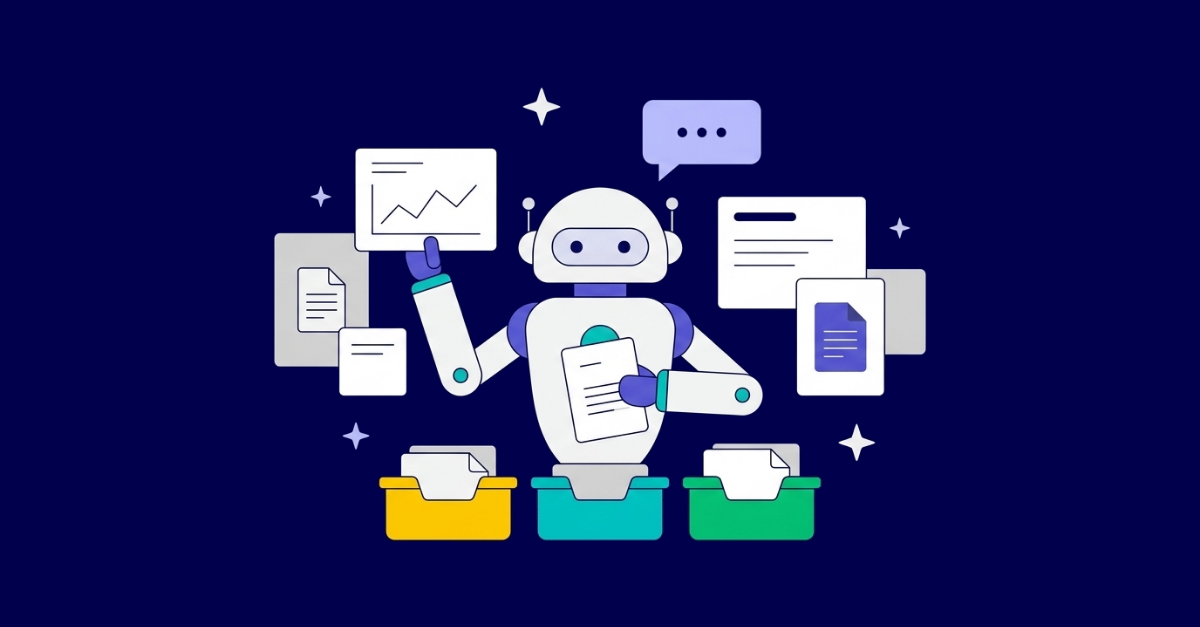
monday Sidekick is the AI assistant inside monday.com: you ask it to summarize a board, draft an update or create items, and it acts on the context you are working in. monday.com AI agents are different: they are digital workers that run in the background on a defined job, such as scoring new leads, triaging tickets or flagging SLA breaches, without anyone prompting them. Both now run on monday.com’s AI credit system. The smart first move is not “turn on everything”. It is to pick two or three repetitive, low-risk jobs, give each agent an owner and a credit budget, and measure the time it saves.
We help teams make those choices in our monday.com consultancy work, because the same AI feature can be a quiet time saver on a clean setup and a source of noise on a messy one.
Sidekick is a context-aware assistant available at account, board and item level. According to monday.com, it can create, edit, update and delete items, groups and columns through conversation, generate documents, plans and visuals, and use integrations such as Gmail, Outlook, Slack and Google Calendar inside the chat. It also has a voice mode and comes with you in the monday AI mobile app.
Typical Sidekick requests:
Sidekick runs on AI credits. Each message consumes credits based on how complex it is: roughly 10 to 30 credits for a simple request, up to 150 or more for an extra complex one that reads a lot of board context or uses several tools. Check the credit allowance in your account before planning a rollout.
Agents are autonomous workers embedded in your monday.com workspace. monday.com describes them as able to triage, route and escalate work, create and update items, assign owners and change statuses, running on triggers, on a schedule or continuously.
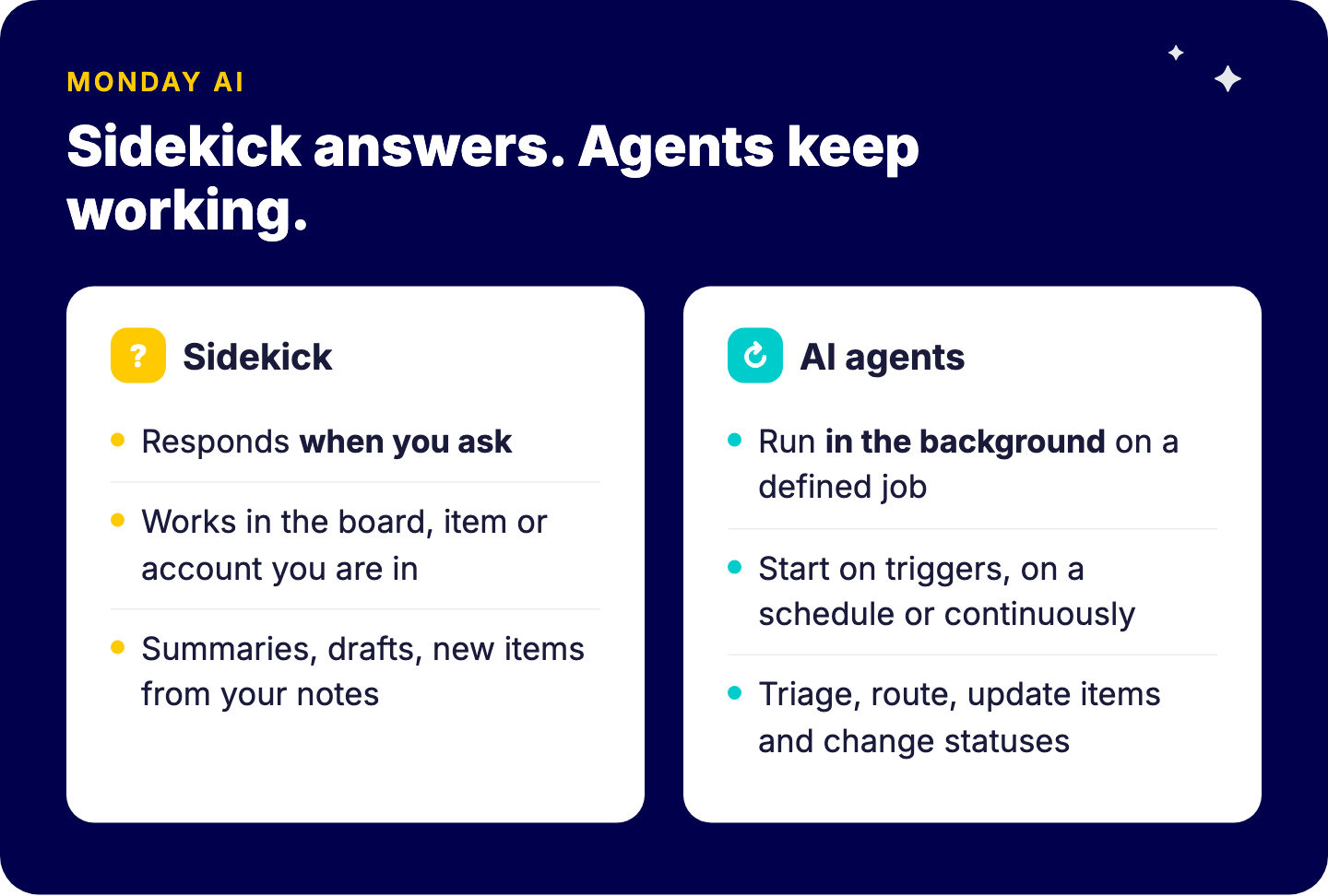
There are two ways to get one:
The difference from classic workflow automation matters. An automation follows a fixed rule (“when status changes to Won, notify finance”). An agent interprets content (“read this inbound request, decide its category and urgency, route it”). That flexibility is the value and the risk.
monday.com moved AI to a credit-based model. On the monday AI work platform, customers who signed up from 6 May 2026 buy AI credits together with their seats, with a monthly minimum of 1,000 credits on Basic, 2,000 on Standard and 3,000 on Pro. AI blocks, AI workflows, agents, Sidekick and AI calls inside Vibe apps consume credits, and admins can monitor usage and set limits across the account.
Three practical consequences:
Use two questions: how costly is a wrong action, and how much repetitive work does it replace? Start where the cost of a mistake is low and the volume is high.
| Use case | Volume | Cost of a wrong action | Pilot first? |
|---|---|---|---|
| Lead scoring and routing | High | Low (a human reviews the lead anyway) | Yes |
| Ticket or request triage | High | Low to medium | Yes |
| SLA and deadline monitoring | Medium | Low (it only flags) | Yes |
| Meeting notes to action items | Medium | Low (items can be edited) | Yes |
| Drafting client status updates | Medium | Medium (reputation) | Yes, with human approval |
| Changing pricing, quotes or contract fields | Low | High | No |
| Deleting or restructuring items | Low | High | No |
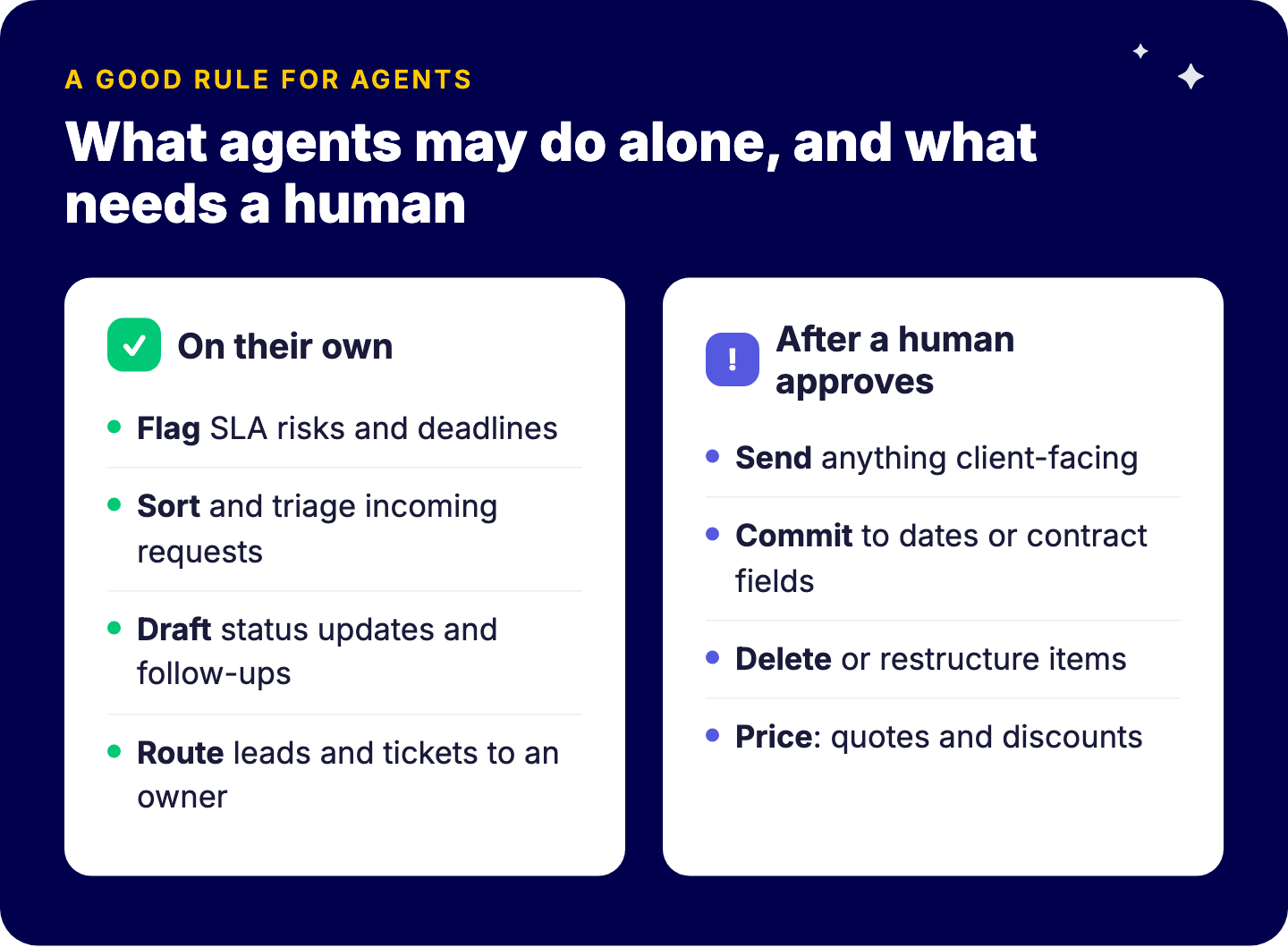
A good rule: agents may flag, sort, draft and route on their own. They may send, commit, delete or price only after a human approves.
AI agents act on your data as it is. They do not know your unwritten rules, your key account sensitivities or the promise a salesperson made on the phone. Keep a human in the loop for:
This is not caution for its own sake. It protects adoption. One wrong automated email to a key client can make a whole team switch AI off.
The same foundations that make automations save time make agents reliable:
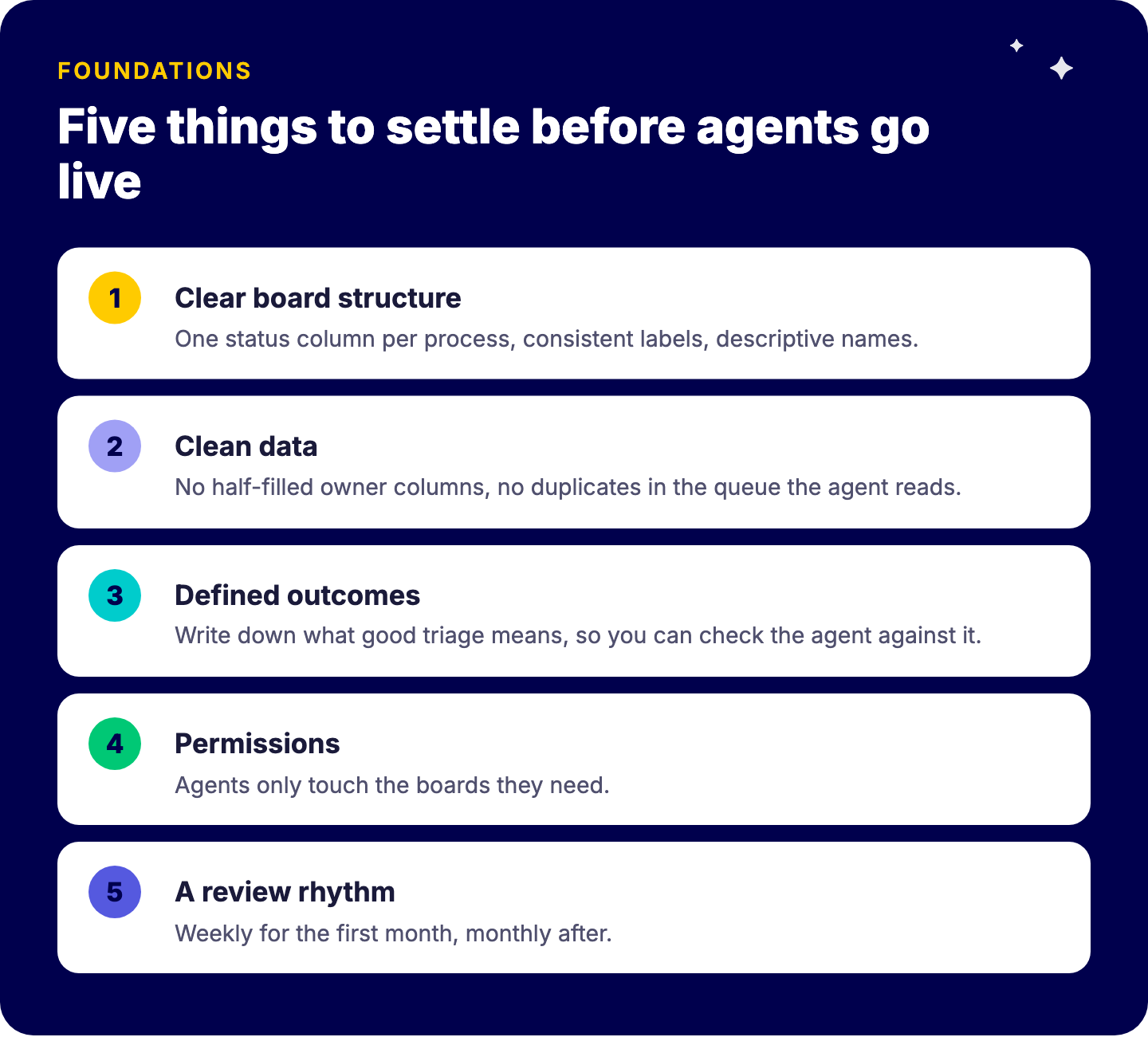
The gro-up case shows the order that works: the marketing team first replaced unstructured email requests with a clear intake and follow-up process, then automated it, and reports 4,071 hours saved per year.
monday.com’s AI now has several parts. Sidekick is the assistant, agents are the background workers, AI blocks add AI steps to columns and automations, and Vibe builds small apps from a prompt. For Vibe and magic, see our guide to monday magic and monday vibe. If your team prefers to work from Claude or ChatGPT, the monday.com MCP server connects them to your boards. And for the bigger picture, read how monday AI helps your business and our wiki on AI in project management.
Sidekick responds when you ask. Agents run in the background on a defined job.
It comes with monday.com, but it is not free to use without limit: every Sidekick message consumes AI credits, from roughly 10 credits for a simple request, and counts against your account’s credit allowance.
Credits come with your plan or are bought alongside seats; AI blocks, agents, Sidekick and Vibe AI calls consume them; admins can monitor usage and set limits.
High-volume, low-risk, rule-based work such as routing, triage, monitoring and summaries.
We run short AI pilots on monday.com: pick the use cases, clean the boards they depend on, set credit budgets and measure the result. Book a free intro call with Tryve.