monday.com
training
Practical monday.com training tailored to your workflows. We help teams adopt faster, work smarter, and get full value from their platform.
- Platinum Partner
- On site & remote
- Senior consultants

When monday.com training is needed
monday.com is powerful, but without clear guidance, teams often use it inconsistently or miss key features.

Teams typically call on us when:
Adoption is slower than expected
Teams work differently across departments
New users struggle to get started
Advanced features remain unused
Admins lack confidence managing the platform
Good training builds clarity, confidence, and consistency.
That’s where structured monday.com training makes the difference.
How our monday.com training works
Every monday.com training session is built around three key principles:
Training in your language
Our monday.com training is available in English, French, German, and Dutch, ensuring your team feels confident and engaged.
Expert-led sessions
Our senior consultants meet your team at the right level and help them work smarter with monday.com.
Tailored to your workflows
We adapt each monday.com training session to your workflows, tools, and challenges, so improvements can be applied immediately.

Training types
Choose the format that fits your team and maturity level.
1. Basic monday.com training
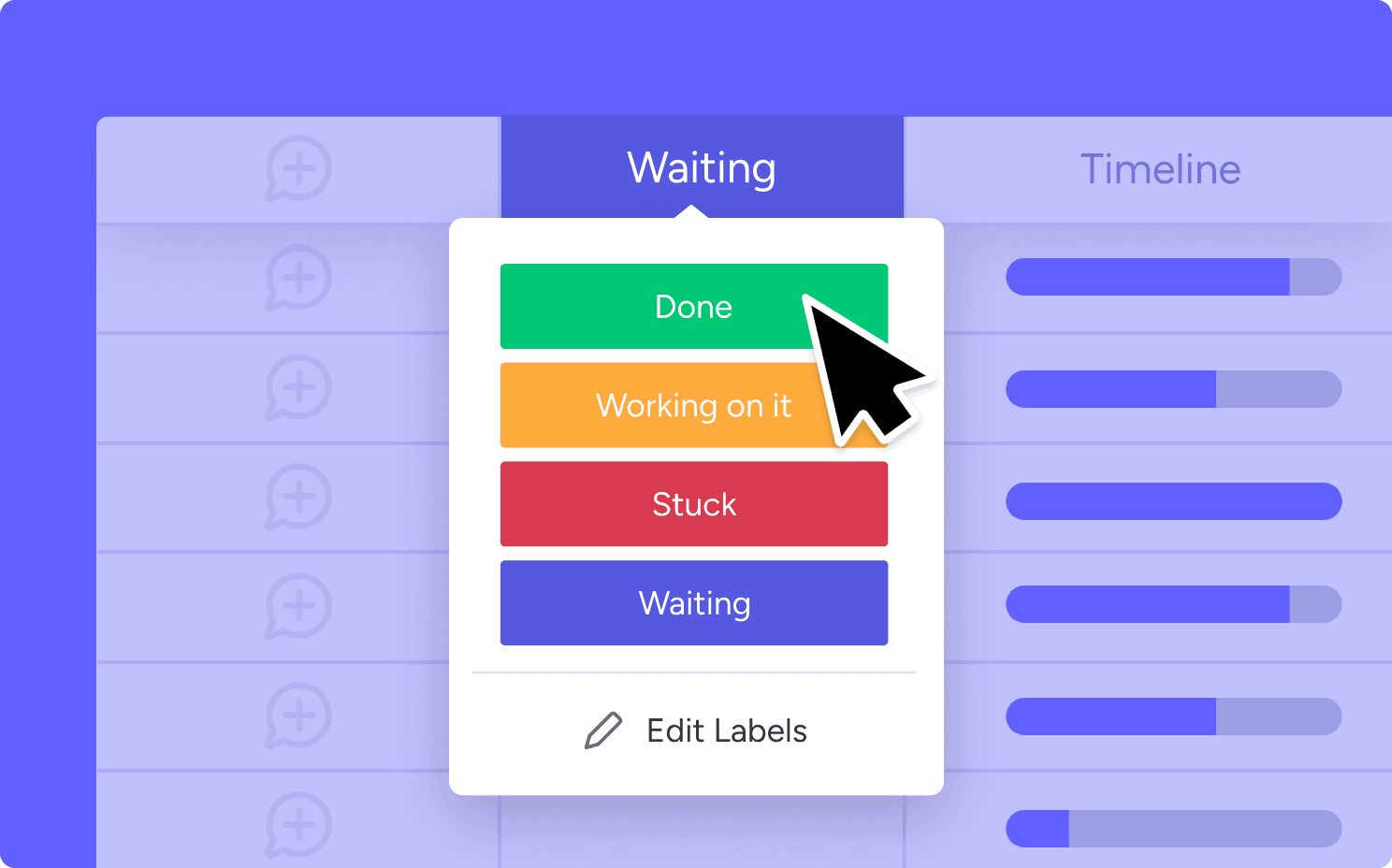
For teams new to monday.com who want to understand the platform’s core features. You’ll learn to:
- Navigate the interface
- Create and manage boards
- Assign tasks and set deadlines
- Use task views and basic automations
📌 Best for: Users working with an existing setup.
2. Advanced monday.com training
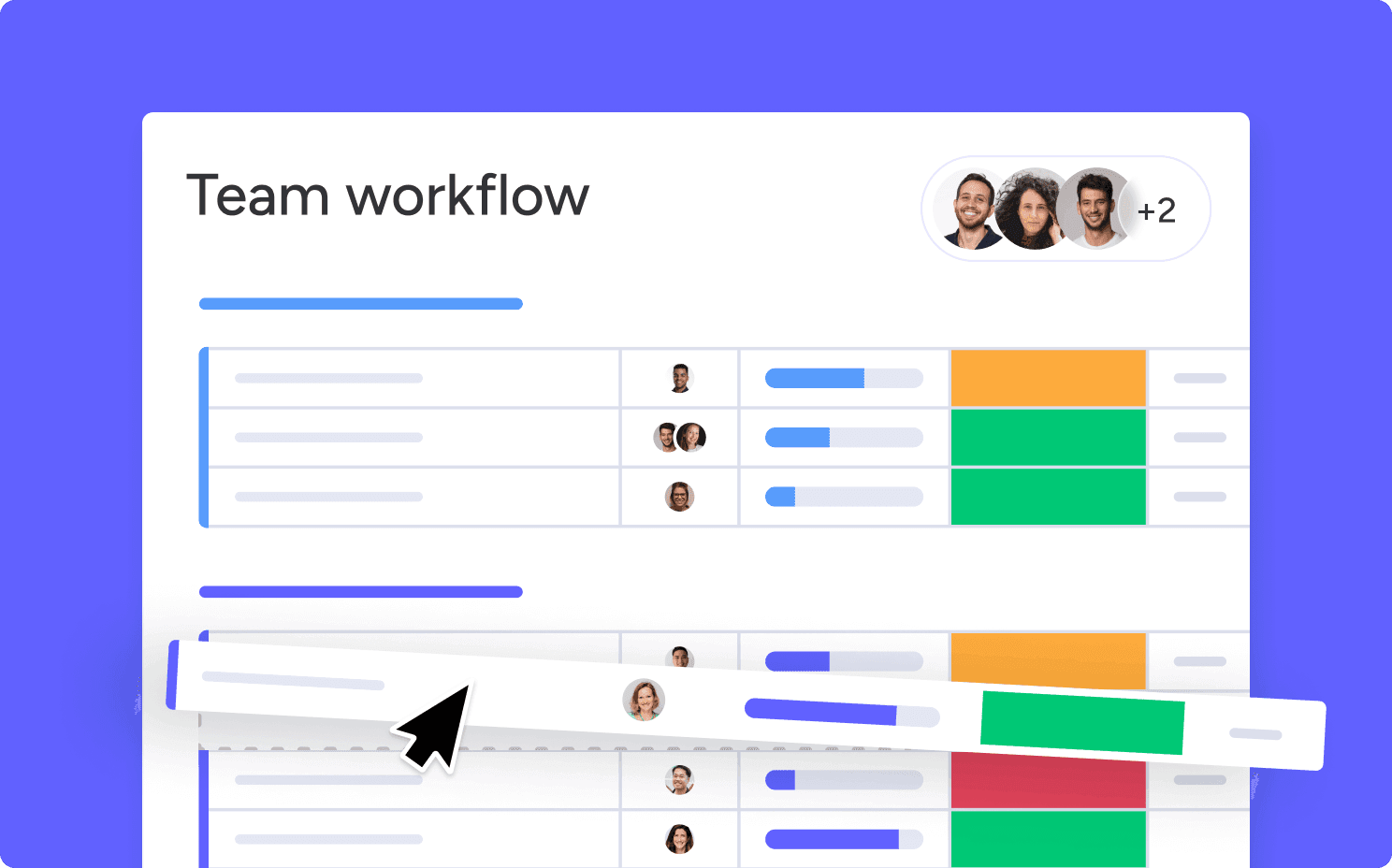
For teams ready to optimize and improve their existing setup. Includes:
- Advanced board customization
- Complex automations and integrations
- Dashboards and reporting
- Workflow optimization techniques
📌 Best for: Teams aiming to boost efficiency and structure.
3. Admin monday.com training
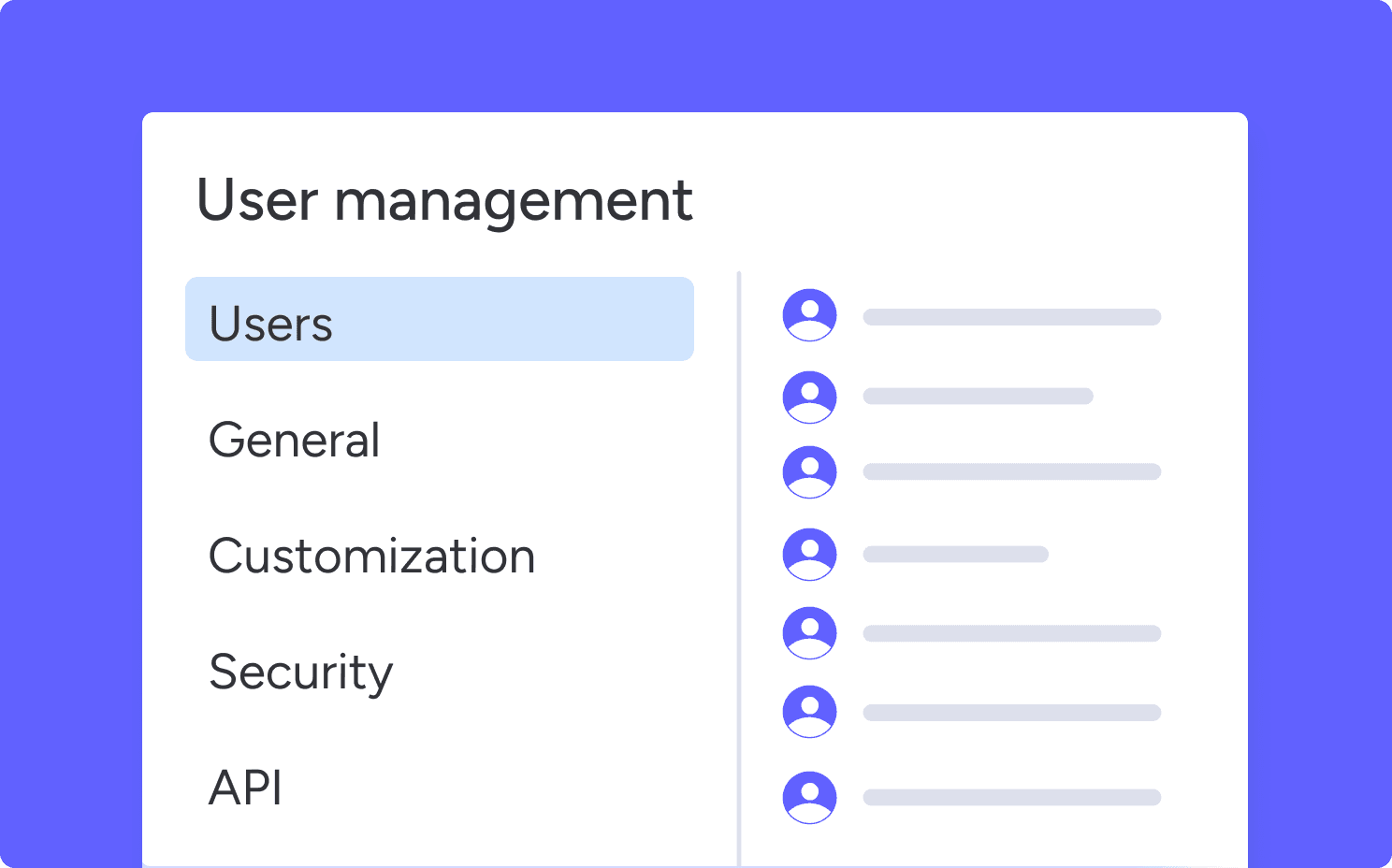
For workspace admins or IT teams who manage larger environments. Includes:
- User and permission management
- Admin dashboards and security settings
- Account structuring best practices
- Troubleshooting
📌 Best for: Admins maintaining the monday.com account.
4. Custom monday.com training
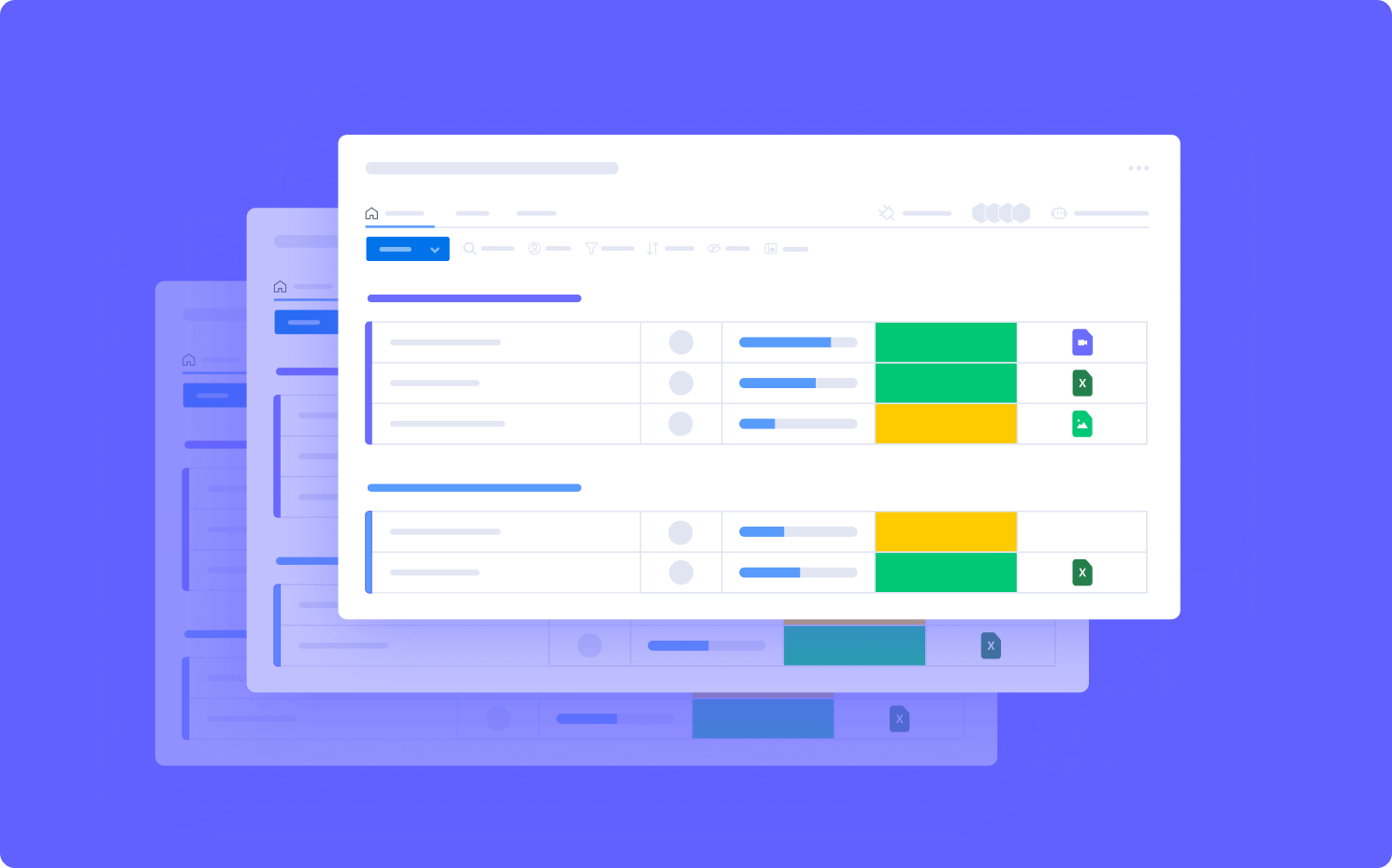
A fully tailored program that combines elements from Basic, Advanced, or Admin training. Even if we did not set up your monday.com environment, we design a training path that fits your workflows and industry.
📌 Best for: Teams with specific or mixed training needs.
Let's discuss your training needs
Whether you have a specific training request or just a question, we’re happy to help.
FAQs
Who is monday.com training for?
monday.com training is designed for beginners, experienced users, team leads, and workspace admins. Tryve adapts each monday.com training session to your team’s level, workflows, and business goals.
Can monday.com training be customised to our workflows?
Yes. Our monday.com training is fully customised to your existing setup, industry processes, tools, and team structure. We tailor every session to your real workflows, even if we did not implement your monday.com account.
Do you provide monday.com admin training?
Yes. We offer dedicated monday.com admin training covering account structure, permissions, governance, automations, dashboards, and scalability best practices for growing teams.
Why choose Tryve for monday.com training?
Tryve is a Platinum monday.com Partner and Advanced Delivery Partner. Our monday.com training is based on real implementation experience with hundreds of teams across Europe. We focus on practical adoption, scalable workflows, and long-term platform success.
How do we get started with monday.com training?
Start by sharing your team’s objectives and current setup. A senior consultant will review your context and recommend the right monday.com training approach for your organisation.
Related monday.com services
We support teams throughout their entire monday.com journey