Client Portal Software or monday.com? How to Give Clients a View Without Exposing Your Board
Client portal software or monday.com? Compare guest access, shared views and portal apps, what clients should never see, and how guests are billed by plan.
Tryve implements CRM and project management solutions for businesses
+32 3 377 78 31 Antwerp - Arnhem - Paris
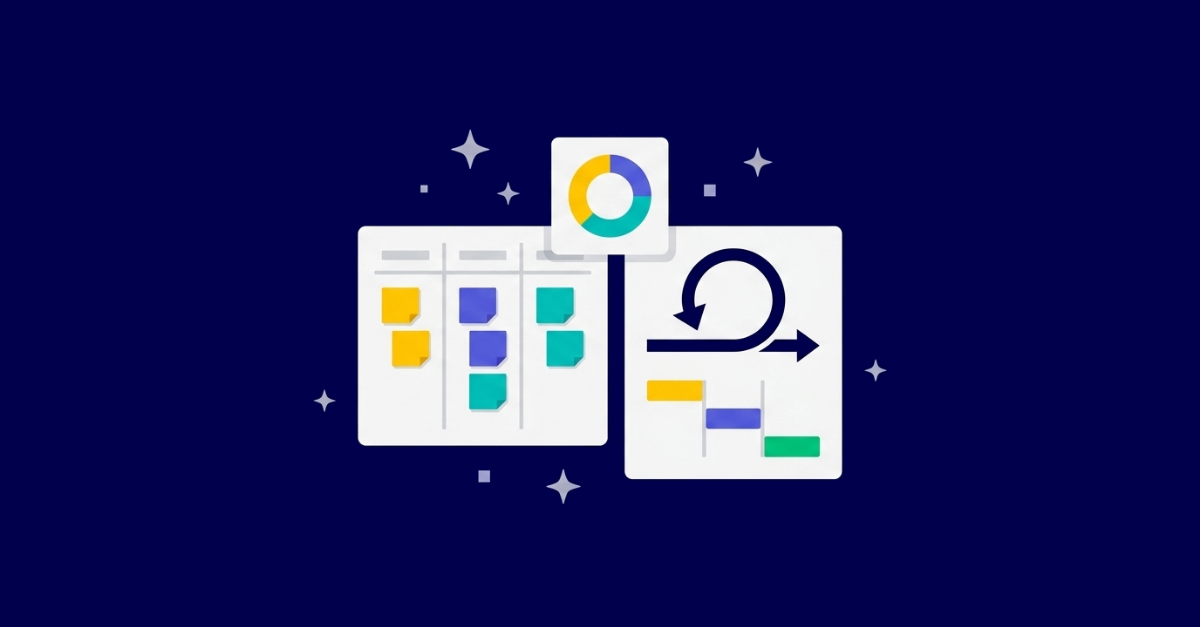
If you are deciding between Kanban and Scrum, here is the short answer: Scrum organizes work into fixed, time-boxed sprints with defined roles and ceremonies, while Kanban runs as a continuous flow with no prescribed roles and no board reset. Both are Agile. Neither is universally better. But the real decision is not “Kanban or Scrum?” The real decision is whether your platform can run whichever you start with, let you shift to the other (or to a hybrid) later, and keep your history and dashboards intact when you do. That is a configuration question, not a tooling question, and it is where most “pick one” guides go quiet. For expert help with your setup, see monday.com implementation.
Almost every comparison ends the same way: a decision tree, a “choose what fits your team” shrug, and a footnote that you can blend the two into Scrumban. That advice quietly assumes the hard part is choosing. It is not. The hard part is that teams change, their work changes, and the method that fits in Q1 is rarely the method you need in Q4. monday.com is a platform, not a finished solution, and the value lives in how you configure it to flex as your team evolves.
Before the configuration argument, the honest comparison. Both Scrum and Kanban are Agile frameworks chasing the same goal: deliver value faster, surface work visually, and improve continuously. The mechanics differ.
| Scrum | Kanban | |
|---|---|---|
| Work cycles | Fixed sprints (1-4 weeks) | Continuous flow |
| Planning | Sprint planning | Just-in-time |
| Roles | Product owner, Scrum master, dev team | No prescribed roles |
| Changes | Wait until next sprint | Add anytime |
| Board reset | After each sprint | Never resets |
(monday.com)
Scrum earns its structure when the work is predictable enough to commit to in sprint-sized chunks. It suits cross-functional teams, stakeholder demos at the end of each sprint, and a culture that improves through retrospectives. Scrum runs on five ceremonies: sprint planning, the 15-minute daily scrum, the sprint review, the sprint retrospective, and backlog refinement (monday.com). Its foundation is empirical, built on three pillars: transparency, inspection, and adaptation (monday.com).
The trade-off is real. Scrum “can be challenging for less experienced team members to manage effectively” (monday.com). The roles and ceremonies are scaffolding, and scaffolding only helps a team ready to use it.
Kanban fits unpredictable, incoming work: support queues, DevOps, maintenance, and anything with volatile priorities. It rests on four pillars: visualizing work, limiting work in progress, managing flow, and continuously improving processes (monday.com). Its lineage is Toyota’s lean manufacturing, with the same emphasis on transparency, focus, and continuous improvement (monday.com).
Kanban has its own costs. Deliverables can move more slowly because nothing imposes a time constraint (monday.com), and “stale or outdated Kanban boards can hurt productivity if not properly maintained” (monday.com). You should avoid Kanban for projects demanding strict sequencing, fixed milestones, or heavily interdependent tasks (monday.com).
The same Agile goal, visual boards, a bias toward continuous improvement, and collaboration over hand-offs. As one monday.com framing puts it, choosing between them “is like taking different routes to the same destination. The journey will be different, but you will end up in the same place.” Agile itself is not going anywhere: 95% of professionals affirm its critical relevance to their operations (Forrester, cited by monday.com).
Open any comparison and you will find a framework for choosing. monday.com offers a practical seven-step version: analyze your workflow, evaluate predictability, assess stakeholder involvement, consider your release cycle, review the platform ecosystem, calculate training and transition costs, and create an implementation roadmap (monday.com). It is a sound checklist. The problem is what it implies.
A decision tree treats method choice as a one-time fork. Real teams reverse course constantly. A new Agile team starts with Scrum’s structure, then craves Kanban’s flexibility. A Scrum team gets buried in mid-sprint change requests and needs continuous flow. The checklist quietly assumes you decide once and stay there.
Two costs the decision trees rarely price in:
The decision tree answers the easy question (which method now) and ignores the expensive one (what happens when that changes).
Most guides recommend Scrumban as the hybrid and then never operationalize it. As one monday.com framing notes, “instead of choosing a framework, the hybrid approach has gained popularity among teams that want to pick the elements of each that best fit their needs. But for this to work, a team needs a powerful, intuitive, and capable project management platform.”
Scrumban is not “a Kanban board run by a Scrum team.” It is a deliberate blend: keep the parts of Scrum that create rhythm and accountability (sprint planning, retrospectives), and add the parts of Kanban that create flow (WIP limits, continuous intake). It suits teams with evolving requirements or recurring scope creep, where rigid sprints keep breaking.
You do not rebuild from scratch. You evolve:
Here is the bridge to the central point. Every step above (adding WIP limits, reshaping columns, changing how work is pulled, keeping some ceremonies) is a configuration choice on your board, not a new framework you install. The ability to keep Scrum mechanics while layering in Kanban flow lives entirely in how the board, columns, automations, and views are set up. Scrumban is the proof that method is a configuration decision in disguise.
This is the question the decision trees skip, and it is the one that actually matters. Method is a configuration decision, not a tooling decision. The win is a platform configured for how your team works today and flexible enough to flex as that changes. On monday dev, “configured for the way your team works” means four concrete things. Tryve handles this as part of monday.com implementation and consulting, because a platform only pays off once it is shaped to your process.
Your board should mirror your exact process, not a generic vendor template. A Scrum board might run Sprint Backlog, In Progress, Testing, Done. A Kanban board might run Backlog, Analysis, Development, Testing, Deployment, Done. With 30+ column types and integrations with Git, CI/CD, Jira, GitHub, and GitLab (monday.com), you build either system to fit. Dropping in a stock template and calling it done is how teams adopt a framework label without ever adapting the board to real work.
Configuration is where practices get enforced. Set WIP limits to force focus. Use automation rules to encode your specific process so the board nudges people instead of relying on memory: monday dev offers 150+ no-code automations as building blocks (monday.com). Support pull-based intake so the team takes the next item when capacity frees up rather than having work pushed onto a full plate. Discipline matters here. Kanban “requires consistent updates and adherence to work-in-progress limits to maintain workflow integrity” (monday.com), and the board has to make that the path of least resistance.
Each method measures success differently, and the board has to be set up to capture the right signals:
A dashboard is only as honest as the board feeding it. Metrics that no one configured the board to capture are decoration. And clarity here pays off in adoption: employees who understand how success is measured are twice as likely to feel motivated (monday.com World of Work report).
This is the decisive advantage. As monday.com puts it, monday dev “adapts to either methodology without forcing rigid templates: create custom boards, automate your specific practices, and evolve your approach over time while keeping all your historical data intact.” Teams “can start with Scrum, gradually adopt Kanban practices, or build their own hybrid. Historical data and workflows remain intact, giving you the freedom to adapt without losing context.” A method change becomes a configuration change, not a data reset and not a tool migration. The same workspace even lets teams toggle between views like Gantt and Kanban while maintaining one source of truth (monday.com), which is the same principle applied to views.
A senior consultant who has configured Kanban, Scrum, and Scrumban across many teams knows which columns, automations, and views actually drive adoption versus which look good in a demo and rot within a month. That cross-project pattern recognition is the difference between a board people use and a board people abandon.
DIY and template-first setups tend to stall for predictable reasons:
This is why a long-term partnership beats a one-off install. The metric is not “boards built.” It is adoption and business outcomes: lead time trending down, delivery becoming predictable, and people actually working in the tool. Keeping a configuration aligned with how a growing team works is an ongoing optimization job, which is exactly what managed services exist to cover. Standmark runs more than 250 projects on a configuration built and maintained this way, which you can read about in how Standmark manages 250 projects on monday.com.
Pick a starting point, then let it evolve. A practitioner’s shortcut:
Whichever you start with, the goal is a configuration that flexes, not a framework you are locked into. That is the entire point: choose a starting method, but invest in a setup that lets you change your mind without paying in tool churn or lost history.
What is the main difference between Kanban and Scrum?
Scrum organizes work into fixed, time-boxed sprints (1-4 weeks) with defined roles and ceremonies. Kanban runs as a continuous flow with no prescribed roles and a board that never resets. Both are Agile frameworks aimed at the same outcome.
Can you switch from Scrum to Kanban mid-project without losing your data?
Yes. The cleanest moment to switch is at a sprint break, often by moving through Scrumban first. On a properly configured monday.com, your history and workflows stay intact through the change, so it is a configuration shift rather than a tool migration.
What is Scrumban, and when should a team use it?
Scrumban is a deliberate blend: keep sprint planning and retrospectives, add WIP limits and continuous flow. It suits teams with evolving requirements or recurring scope creep, where rigid sprints keep breaking down under mid-sprint change.
Do I need a special template to run Kanban or Scrum on monday.com?
No. The value is in custom configuration, not an off-the-shelf template. Columns, automations, WIP limits, and metrics are set up to match your actual workflow. A stock template is a starting point a consultant configures, not a finished solution.
How do I measure success in Kanban vs Scrum?
Kanban uses lead time, cycle time, and throughput. Scrum uses velocity and sprint goals. In both cases the board has to be configured to capture those signals, or your dashboards measure nothing real.
The method is a starting point. The configuration is the value. Whether you run Kanban, Scrum, or Scrumban, the win is a monday.com setup built for how your team actually works, plus a partner who keeps it adapting as you grow. Stop treating method choice as a one-time fork, and start treating your platform as something that flexes with you.
If you want a configuration that runs whichever method fits now and evolves without tool churn, book a free intro call with Tryve.
Tryve is a monday.com Platinum Partner. Every engagement starts with a structured discovery session built around your actual processes, not a generic template. Senior consultants stay involved through adoption, not just go-live. Book a free intro call.
Tryve is a monday.com platinum partner and helps companies with implementing state-of-the-art project management tools!