Why monday.com Adoption Stalls After 90 Days, and How to Restart It
monday.com rollouts rarely fail at launch; they fade after three months. The six common causes, the warning signs, and a 30-day plan to restart adoption.

Good monday.com governance means three things: the right people can change the right things, every workspace and board has an owner, and the account follows simple shared rules for structure and naming. Permissions are the tool, not the goal. Outside Enterprise, board owners choose between permission sets from “edit everything” to “view and comment” (the fourth, “only edit assigned items”, needs Pro). Enterprise adds role-based permissions with more granular control. But most accounts that become messy at 100 users do not suffer from missing features. They suffer from nobody owning the setup.
This guide lays out a governance model that works on any plan, and when Enterprise features become necessary. Keeping accounts healthy month after month is what our monday.com managed services are for.
Because monday.com is easy to change, and that is a feature until 80 people change it in 80 directions. Typical symptoms of missing governance:
None of these are technical problems. They are ownership problems. Governance fixes them with a light set of roles and rules.
monday.com’s main user types:
| User type | Typical use | Governance tip |
|---|---|---|
| Admin | Account settings, security, billing, integrations | Two or three named people, never “everyone in IT” |
| Member | Daily work on boards | Default for employees who update work |
| Viewer | Read-only access | For stakeholders who only follow progress |
| Guest | External people on shareable boards | Review quarterly, remove after projects end |
Getting user types right is also a cost topic: people who only read should not occupy full member seats. Our account audit checklist covers that review.
On Standard and Pro, a board owner can set one of four levels for non-owners:
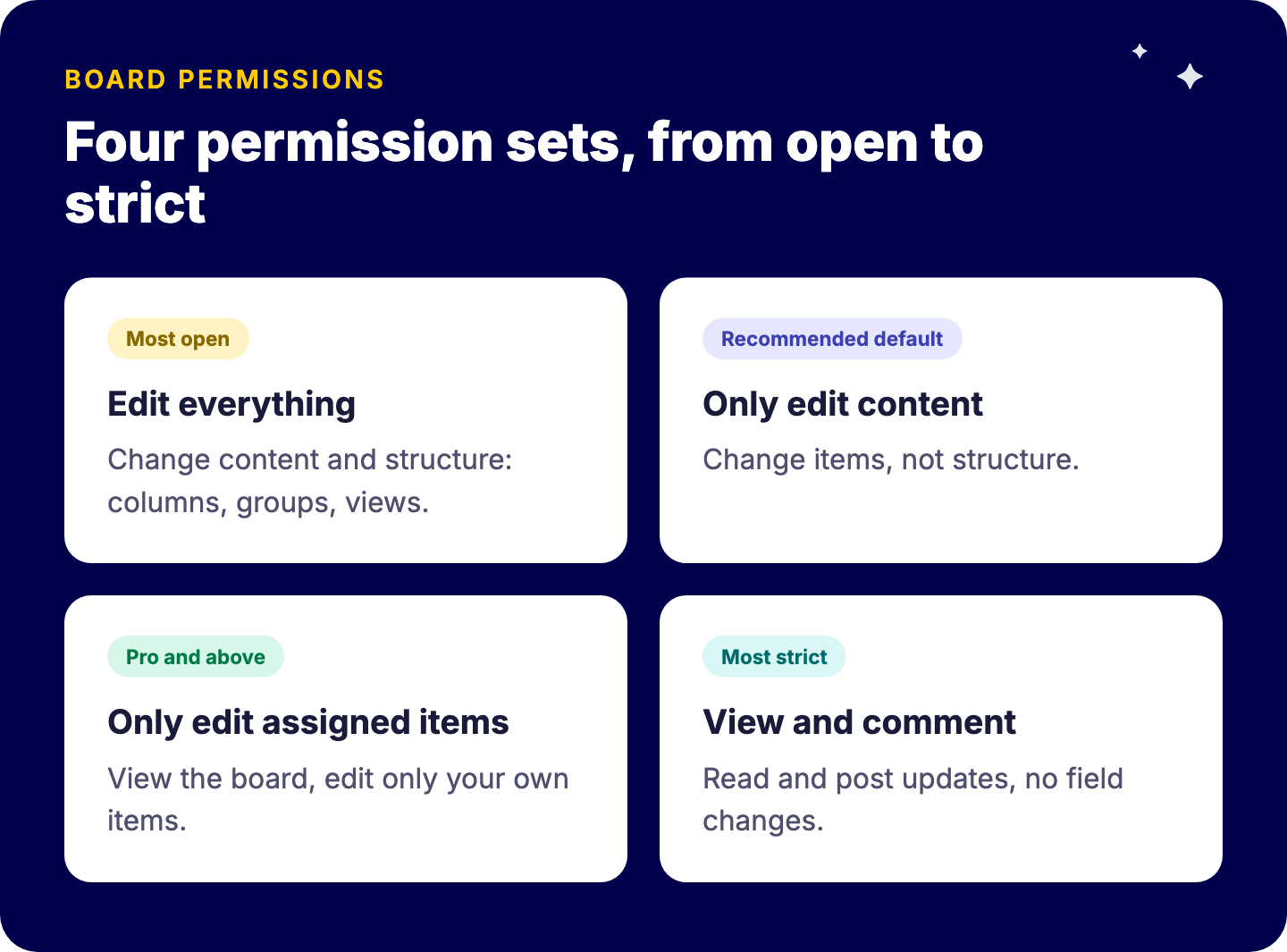
On Enterprise, board permissions are role-based (owner, editor, contributor, assigned contributor and viewer) with more granular settings per role. Column permissions, available on Pro and Enterprise, restrict who can edit or view sensitive fields such as budget or rates.
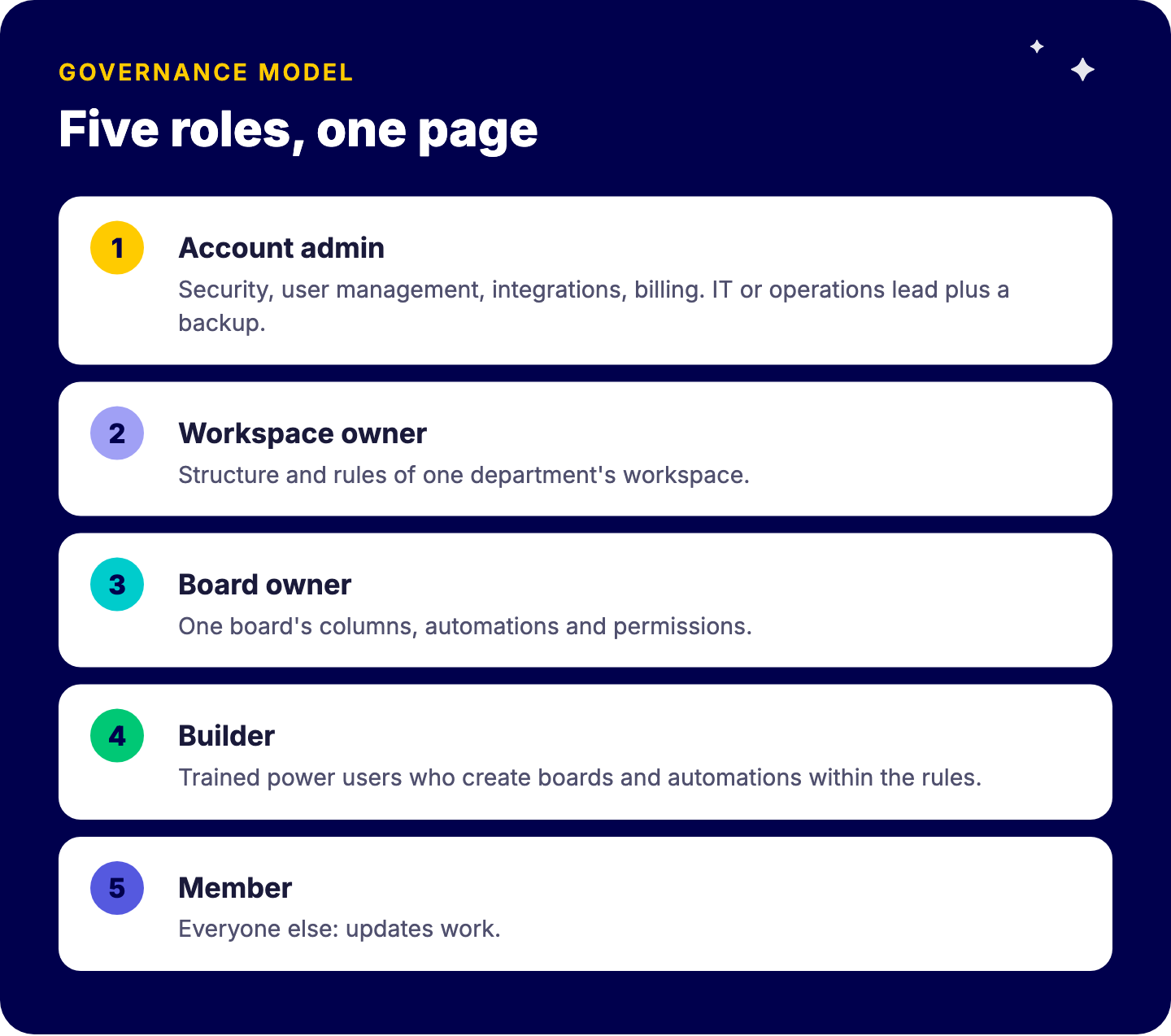
A practical default we recommend:
| Role | Owns | Typical person |
|---|---|---|
| Account admin | Security, user management, integrations, billing | IT or operations lead plus one backup |
| Workspace owner | Structure and rules of one department’s workspace | Department operations lead |
| Board owner | One board’s columns, automations and permissions | Process owner |
| Builder | Creates new boards and automations within the rules | Trained power users |
| Member | Updates work | Everyone else |
Write it down on one page. Then add four rules:
Templates are the backbone of this. In the Vlerick case, every project uses a consistent template, the setup is used by six teams, and 65 dashboards give visibility across projects. Cross-project dashboards only work when boards share a structure. For the concept, see our wiki on templates in project management.
Mirror how responsibility works, not the organizational chart in every detail. A workspace per department or per major process usually works. Keep cross-department processes (for example employee onboarding) in one clearly owned workspace, with connections to department boards, rather than copies in each.
Use private boards (available on Pro and Enterprise at the time of writing) for HR, finance and sensitive client work, and document who owns them.
AI assistants and agents act through user permissions. If permissions are loose for people, they are loose for AI. Before connecting assistants through the monday.com MCP server or enabling agents, tighten board permissions on sensitive boards and decide which workspaces are approved for AI. Data residency questions belong here too: see monday.com EU data hosting and GDPR.
Consider Enterprise when you need multi-level or role-based permissions across a large organization, advanced security and compliance controls, audit requirements, or very high automation and API volumes. If your problem is messy boards and unclear ownership, Enterprise will not fix it. Governance will.
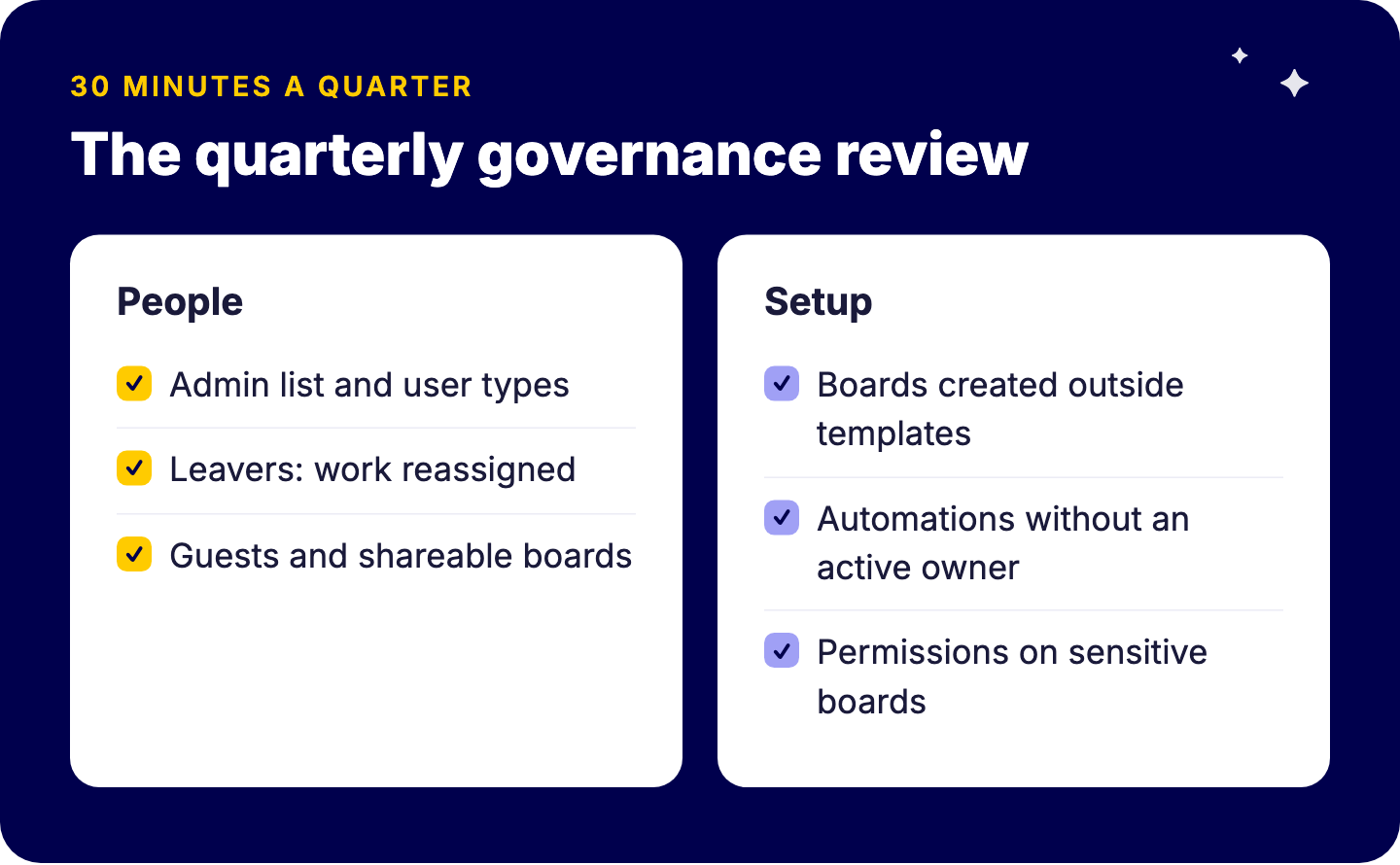
Thirty minutes a quarter prevents a painful cleanup project later.
Edit everything, only edit content, only edit assigned items (Pro and above) and view and comment. Column permissions come with Pro and above; Enterprise adds role-based permissions.
Admins, members, viewers and guests.
Usually two or three named people.
Not always. Enterprise matters for multi-level permissions, advanced security and compliance.
We set up governance models and keep accounts healthy through managed services, so your teams can keep building without creating chaos. Book a free intro call with Tryve.