Tryve implements CRM and project management solutions for businesses

+32 3 377 78 31  Antwerp - Arnhem - Paris

monday.com with Microsoft 365: Setting Up the Outlook and Teams Integrations the Right Way

monday.com with Microsoft 365: Setting Up the Outlook and Teams Integrations the Right Way

monday.com with Microsoft 365: Setting Up the Outlook and Teams Integrations the Right Way

Table of Contents

monday.com connects to Microsoft 365 through two main integrations. The Outlook integration links emails and calendar events to your boards, so an email can become an item without copy and paste. The Microsoft Teams app brings monday.com into Teams: boards as tabs in channels, board notifications and item creation through a bot. Setup is quick; the traps are elsewhere. The person who connects Outlook needs a Microsoft 365 Business Premium license and an Exchange Online inbox, tenant policies can block installation, and badly chosen notifications turn Teams into noise. Decide what each tool is for first, then connect.

Many B2B organizations run on Microsoft 365, so connecting monday.com to it is a routine part of monday.com implementation projects.

Which tool should own which conversation?

Before touching settings, agree on a simple split:
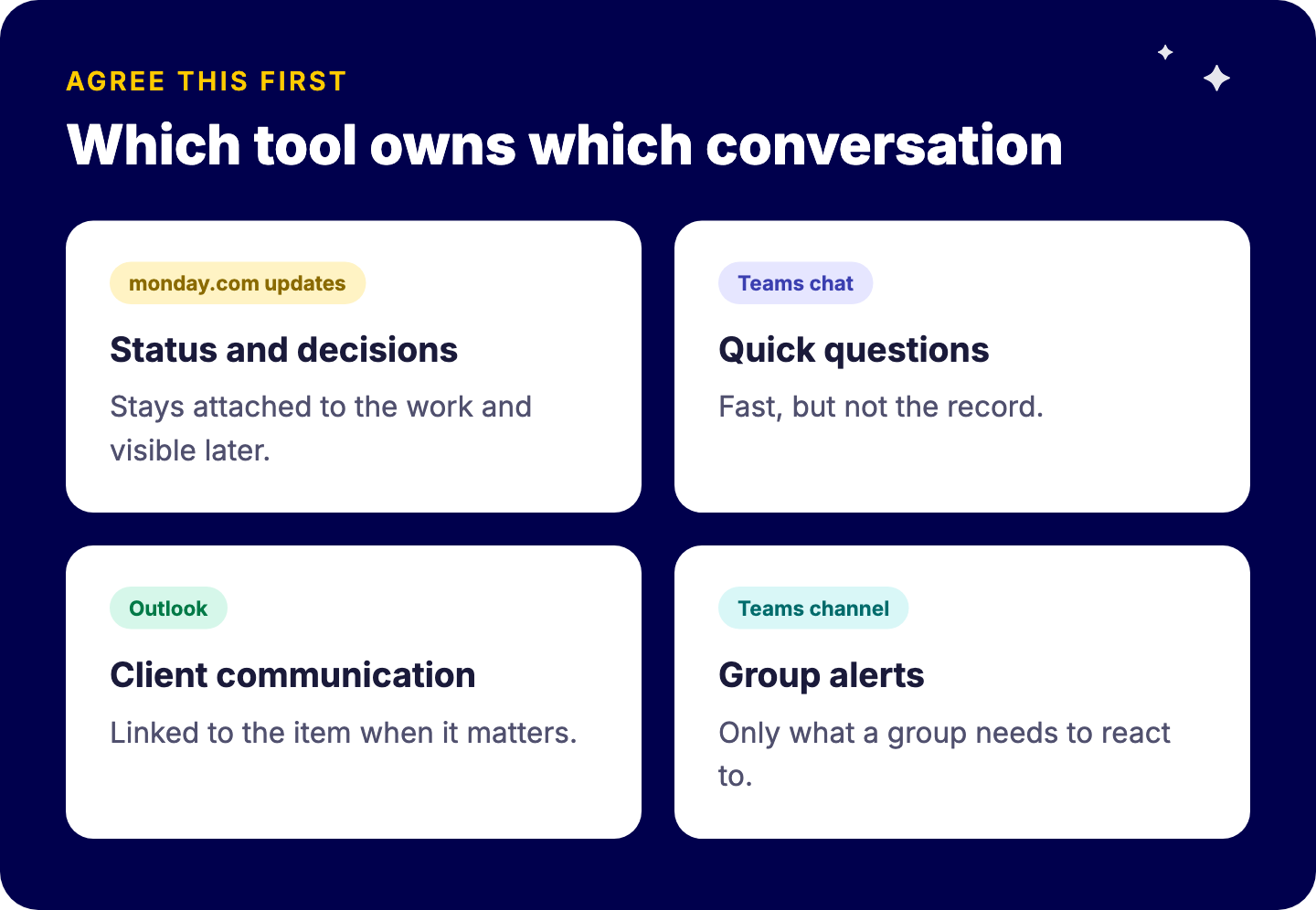
Which tool owns which conversation: work status and decisions in monday.com item updates, quick questions in Teams chat, external client communication in Outlook, group alerts in a Teams channel sent from monday.com
ConversationLives inWhy
Work status, decisions on an item, files for a taskmonday.com item updatesStays attached to the work and visible later
Quick questions, informal coordinationTeams chatFast, but not the record
External communication with clientsOutlookLinked to the item when it matters
Alerts that need a group reactionTeams channel, from monday.comActionable and visible

Without this agreement, the same discussion happens in three places and nobody trusts any of them. It is the integration version of consolidating your tech stack.

What does the Outlook integration do?

According to monday.com, the Outlook integration connects your emails and calendar events to boards. Typical uses:

  • Email to item: a client request or supplier question becomes an item on the right board, with the email content attached.
  • Calendar to board: meetings and deadlines connected to the work they belong to.
  • Less forwarding: colleagues see the context on the item instead of being copied on threads.

The key requirements: the person who connects Outlook needs a Microsoft 365 Business Premium license (not everyone on the account, only whoever connects it), and the inbox must be on Exchange Online. On-premises Exchange is not supported, and neither is a domain whose email is hosted by another provider. Check this before promising the feature to a team.

What does the Microsoft Teams app do?

The monday.com app for Teams lets people:

  • Receive notifications from boards in Teams.
  • Create items through the monday.com bot without leaving Teams.
  • Add boards as tabs in channels and work on them without leaving Teams.

The same Microsoft Teams & Copilot 365 app includes a monday.com agent for Microsoft 365 Copilot, and Copilot Studio can connect to monday.com data through the monday.com MCP server.

How do you set it up step by step?

  1. Talk to your Microsoft 365 admin first. Apps may need admin approval and must fit tenant policies.
  2. Confirm licenses and inboxes for the people who will connect Outlook (Microsoft 365 Business Premium, Exchange Online).
  3. Install the apps from the monday.com integrations center and the Microsoft marketplace, following your tenant’s process.
  4. Pilot with one team and two or three use cases, for example “client emails to request board” and “blocked items to project channel”.
  5. Define notification rules (see below) before rolling out.
  6. Document the split of which tool owns which conversation, in one page.
  7. Roll out by team, with a short demo instead of a long manual.

Integration permissions follow your monday.com setup, so review access before connecting shared channels. Our guide to monday.com governance and permissions helps.
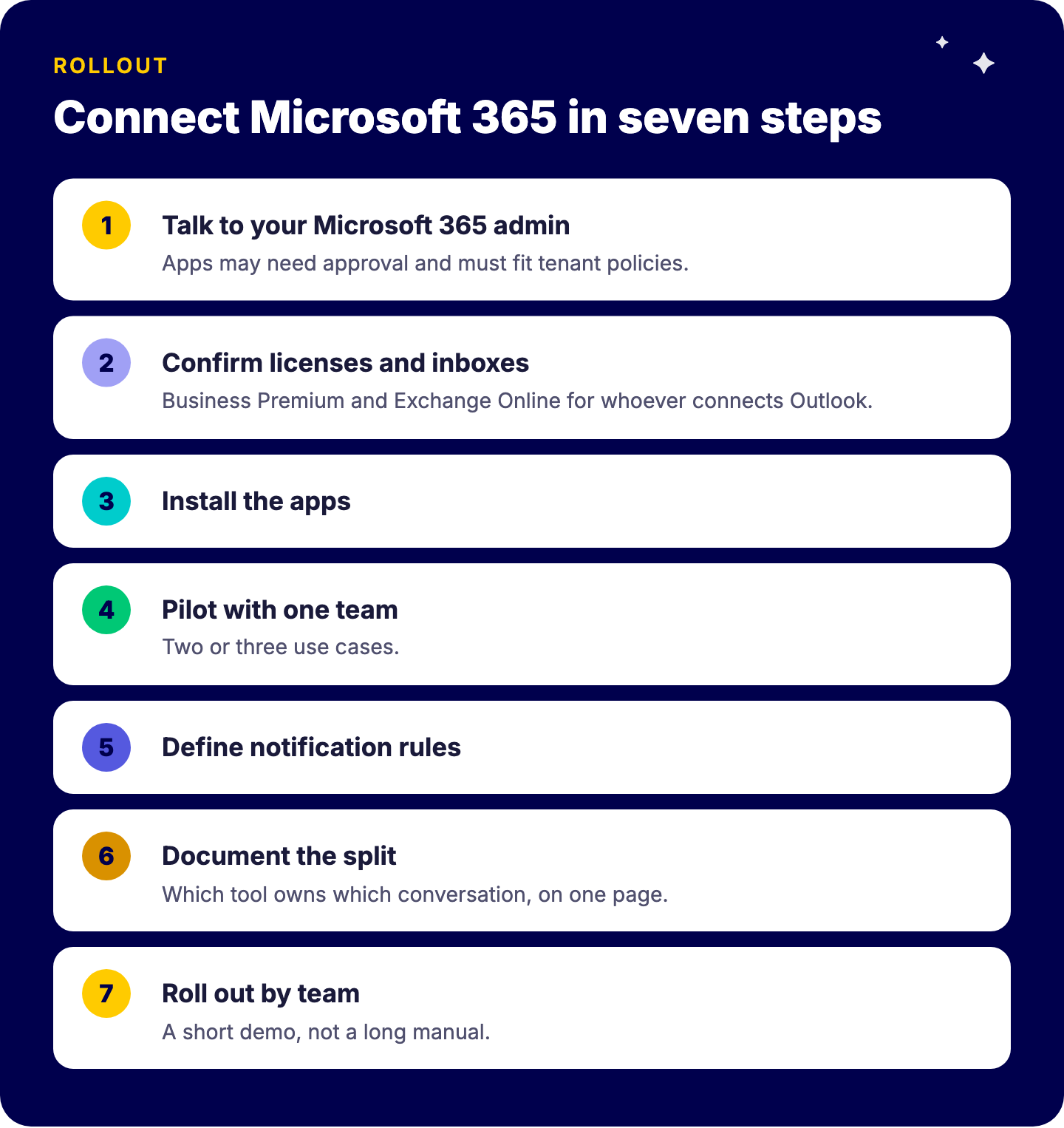
Seven steps to connect monday.com to Microsoft 365: talk to the Microsoft 365 admin, confirm licenses and inboxes, install the apps, pilot with one team, define notification rules, document which tool owns which conversation, roll out by team

Which notifications belong in Teams?

The rule we use: a notification goes to a Teams channel only if a group needs to react to it.
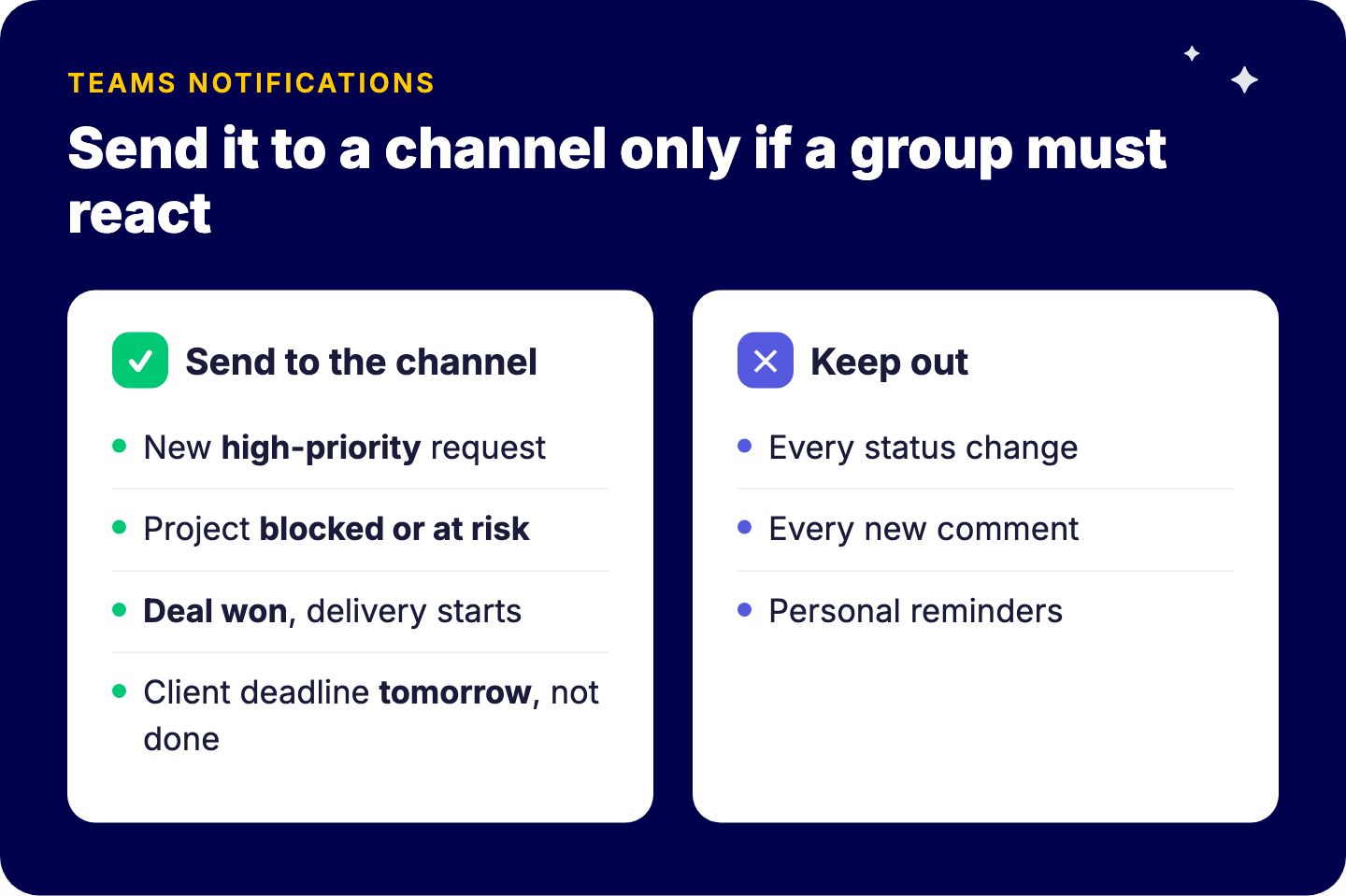
Which monday.com notifications belong in a Teams channel: new high-priority requests, projects blocked or at risk, deals won, client deadlines tomorrow; not every status change, every comment or personal reminders

Good candidates:

  • A new high-priority request arrives on the service or request board.
  • A project status changes to blocked or at risk.
  • A deal is won and delivery needs to start.
  • A deadline for a client deliverable is tomorrow and the item is not done.

Poor candidates:

  • Every status change.
  • Every new comment.
  • Automated reminders that belong to one person, which should stay personal notifications in monday.com.

Build these as filtered automations, not blanket integrations. See automations that save time for patterns that avoid noise.

What are the common problems?

  • “The Outlook integration does not connect.” Usually a missing Business Premium license, an on-premises or externally hosted inbox, or a tenant policy that needs admin approval.
  • Notification fatigue. Too many events routed to channels. Cut to actionable alerts only.
  • Duplicate discussions. Decisions made in Teams and never written on the item. Make “summarize the decision on the item” a team habit.
  • Ownership gaps. Integrations set up by one person who then leaves. Give each integration a named owner.

For deeper, two-way connections to other business systems, the principles are the same as in our wiki on integrating monday.com with other platforms. The payoff of keeping conversations on the work is real: in the Carya case, the monday.com setup helped save around 900 emails a month.

Frequently asked questions

Does monday.com integrate with Outlook?

Yes. The person who connects it needs a Microsoft 365 Business Premium license and an Exchange Online inbox.

What can the monday.com app for Microsoft Teams do?

Boards as tabs in channels, plus notifications and item creation through the monday.com bot.

Should monday.com notifications go to Teams?

Only actionable ones that need a group reaction.

Can Microsoft Copilot work with monday.com data?

Through the monday.com agent for Microsoft 365 Copilot and through Copilot Studio via MCP, subject to your policies and admin settings.

Want monday.com and Microsoft 365 to work as one?

We set up the integrations, the notification rules and the conversation split, so your teams spend less time switching tools. Book a free intro call with Tryve.


Sources

Want to increase your productivity?

Tryve is a monday.com platinum partner and helps companies with implementing state-of-the-art project management tools!

Related articles

  • What we do
  • Pricing
  • About
  • Cases
  • Blog
  • Careers